Lottery 7 APK Download
One-minute or three-minute WinGo, K3 dice and a full slot menu.
- Welcome credit
- Up to ₹500 · T&Cs
- Min withdrawal
- ₹110
- WinGo timers
- 1 min · 3 min
Android APK · Direct download
About Lottery 7
Lottery 7 brings short colour rounds, dice games and slots to one Android lobby. Choose 1-minute or 3-minute WinGo, try the three-dice K3 format, or open a reel title from the slots menu. A welcome offer of up to ₹500 adds promotional credit for eligible accounts, with turnover conditions.
More about Lottery 7
Lottery 7 keeps its number games, casino tables and sports in separate categories. The two WinGo timers have independent period numbers, so a result from one room does not settle an entry in the other. Deposits start at ₹100 and withdrawals at ₹110 through the available UPI or bank route. Gift codes and referral events have separate claim periods.
Games to explore
WinGo
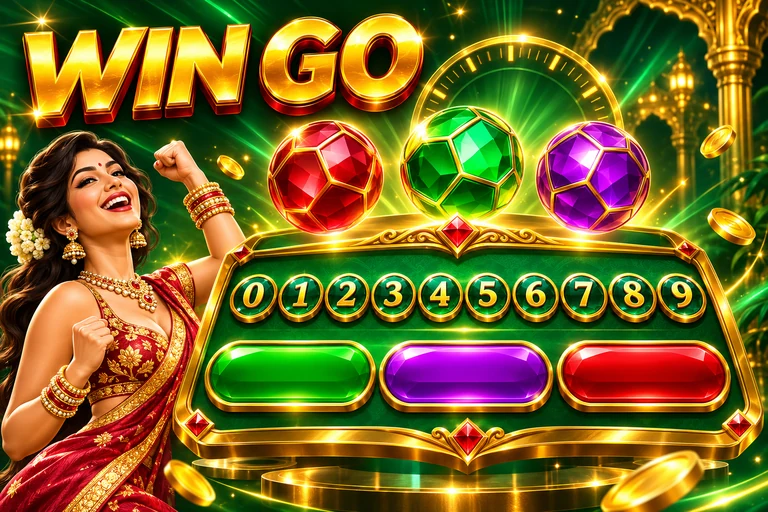
Choose 1-minute or 3-minute rounds, then select a colour, digit or Big/Small result before the timer closes.

K3
Three dice create the result. Sum, size and odd/even selections use the dice total.
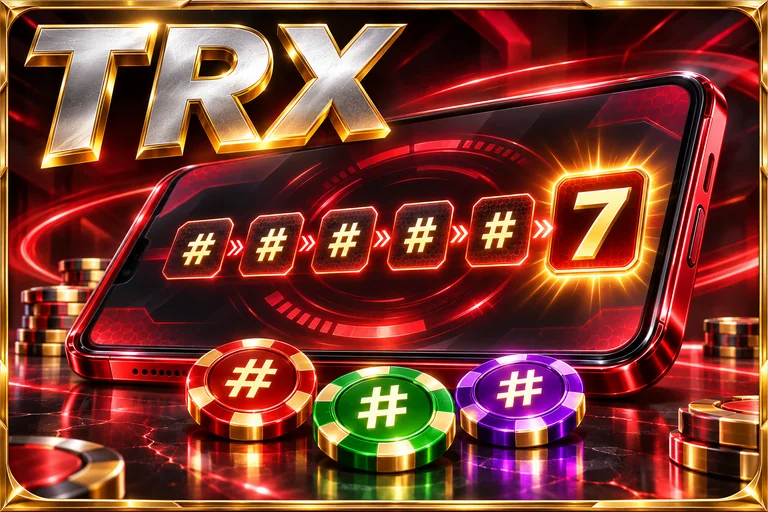
TRX
A separate number-game screen with its own round sequence and result history.

Slots
Spin the reels for symbol combinations, with bonus features and payouts set by each title.
Lottery 7: two timers, two histories
Keep these three details together when opening a completed round.
1 minute or 3 minutes
Return to the same timer you selected when placing the entry.
The round number
Match the complete period in My History; the clock time alone is not enough.
Colour, number or size
An exact-number entry and a Big/Small entry settle against different conditions.
Waiting or settled
A running round belongs in the active room. Its final result appears after that period closes.
Lottery 7 features
Two colour-round speeds
Choose a one-minute or three-minute room without leaving WinGo.
Dice, reels and tables
K3 and TRX sit beside slots and casino categories, giving the lobby more variety.
Welcome and event offers
Welcome credit, gift codes and referrals each have a separate claim route.
Lottery 7 details
- Application
- Lottery 7
- Welcome offer
- Up to ₹500 · promotional credit
- Minimum deposit
- ₹100
- Minimum withdrawal
- ₹110
- Payments
- UPI · Bank account
- Featured games
- WinGo · K3 · TRX
- WinGo options
- 1 minute · 3 minutes
- Other categories
- Slots · Casino · Sports
- Customer care
- Live chat · 24/7
- Platform
- Android
- Download format
- APK
- Last updated
- Nov 17, 2026
How to install Lottery 7
- 01
Download the APK
Tap Download Now. Wait until the file finishes saving in your browser’s Downloads folder.
- 02
Open and install
Open the completed file. If Android asks, allow installation for this browser, then follow the installer.
- 03
Open the app
Launch the app and follow its welcome screen. Returning users can sign in with their existing account.
Lottery 7 FAQ
How much is the Lottery 7 welcome offer?
Eligible accounts can receive up to ₹500 in promotional credit. The offer’s qualifying activity, turnover and expiry conditions apply.
Why do my Lottery 7 results change when I switch timers?
The 1-minute and 3-minute rooms run separate periods. Open the original room and match the period in My History.
What are the Lottery 7 payment minimums?
Deposits start at ₹100 and withdrawals at ₹110. The selected UPI or bank channel can apply its own limits.
Can I use my existing account after installing the APK?
Use the same mobile number and login details as your original Lottery 7 account. Creating another account does not restore its balance or history.
Where do I enter a Lottery 7 gift code?
Open the account’s gift-code or promotion section, enter the code exactly and submit it before expiry. A redeemed or ineligible code will not add credit.
18+ Real-money games involve financial risk. Play within your limits. Responsible play
Win Money Games List is independent of the apps listed here. Game accounts, payments and in-app support are handled by the respective operators.
Sources reviewed
Lottery 7
Android APK
More game apps
 Colour Games
66 Lottery
WinGo, Mines Pro and Aviator with deposits from ₹100. Colour Games
82 Lottery
MotoRace, Mines, Plinko and slot favourites beyond WinGo. Colour Games
TC Lottery
Four number-game formats with gifts, slots and sports. Colour Games
91 Lottery
WinGo, Aviator, slots and Indian card tables in one lobby. Colour Games
91 Club
Quick WinGo rounds, Aviator cash-outs and a wider game lobby. Colour Games